When developing objects or scenes in 3D we need to constantly move our point of view. We usually do that using the mouse and some helper keys to change modes. The problem is that it’s a 2D device, we can’t move and rotate the camera or the object efficiently as we would do in real life.
Mouse has 2 Degrees of Freedom (DoF). Moving and rotating requires 6 DoF.
One popular solution is using a 3D mouse, such as the SpaceMouse. This device has 6 Degrees of Freedom (DoF), that is, it can move and rotate in 3D simultaneously. It’s big limitation is that while the traditional mouse can be moved all around your desktop, the SpaceMouse can only be moved (or rotated) a few millimeters, which leads to far less precise (or quick) movements depending on the chosen sensibility.
Why can’t we use the full potential of our hands? Wouldn’t it be cool to move and rotate things in the screen just like we do in real life?
That is why I started developing Lemonity, a plugin for Unity that makes possible a more natural interaction. Hand movements are captured using LeapMotion.
After a few months of coding and debugging, Lemonity is finally available on the Unity Asset Store.
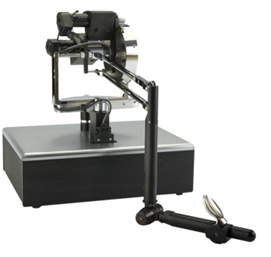
One of the most important steps when doing interactive haptics is calculating collisions between the object that user is touching and all the points of interaction of the haptic device. While most force feedback devices (such as the ones from Sensable) have only one, others (like many vibrotactile gloves) have more than ten.
Phantom 1.5 High Force with one point of interaction
A important limitation we must be aware of is that the algorithm in charge of calculating the haptic response needs to run in real time up to 1000 times per second, therefore it is mandatory to speed up all the calculations as much as possible.
The use of bounding boxes is a popular solution to save valuable computation time. Taking one point in space and checking if it’s inside the bounding box can be done very efficiently. However if the point is inside the bounding box we still need to calculate the distance to the surface in order to generate a force or a tactile stimulli.
One of the most efficient ways of calculating this distance is using Signed Distance Functions (SDF). A SDF is a function that given a 3D point in space outputs the distance to the nearest surface. The distance is usually signed positive if the point is inside any object, negative if it’s outside and zero if it’s on the boundary.
For geometric figures we can define SDF’s using mathematical expressions. The great advantage of this is that the computation complexity is constant O(1) as we don’t need to loop through any data structure. Furthermore, this implicit representation is continuous and exact, unlike if it was defined with a polygonal mesh.
SDF’s of Regular Shaped Objects
The following functions in C# can be used in Unity to calculate the SDFs of regular shaped objects. As stated earlier the value is:
> 0 the point is inside the object
0 the point is on the surface
< 0 the point is outside the object
Note that we consider the objects centered at the origin of their coordinate system.
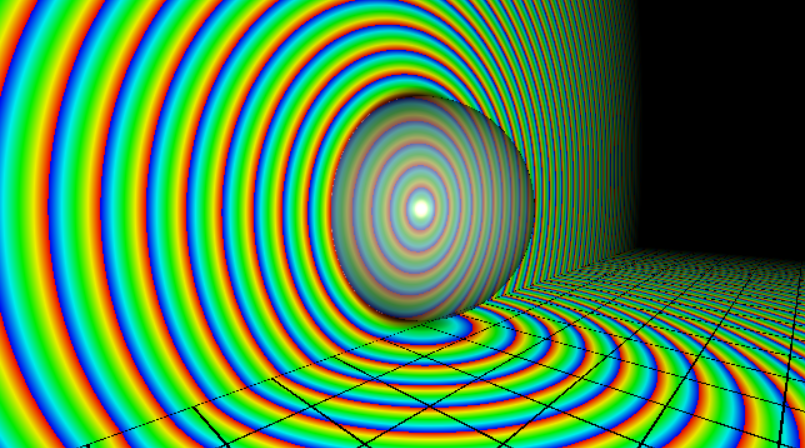
Sphere
This is the easiest one. The function returns the exact value.
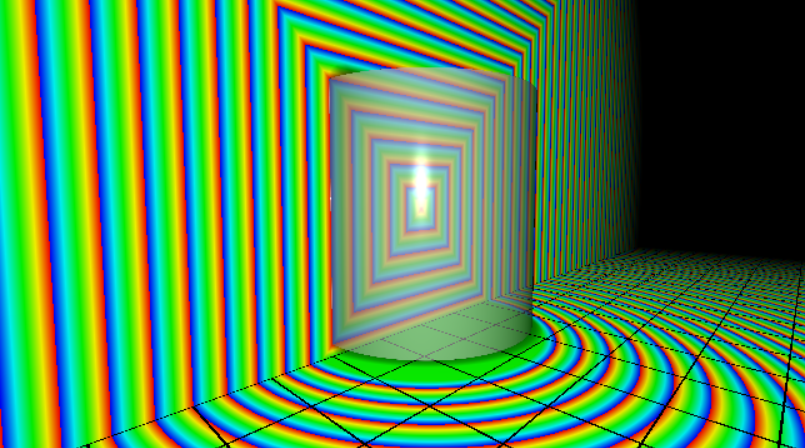
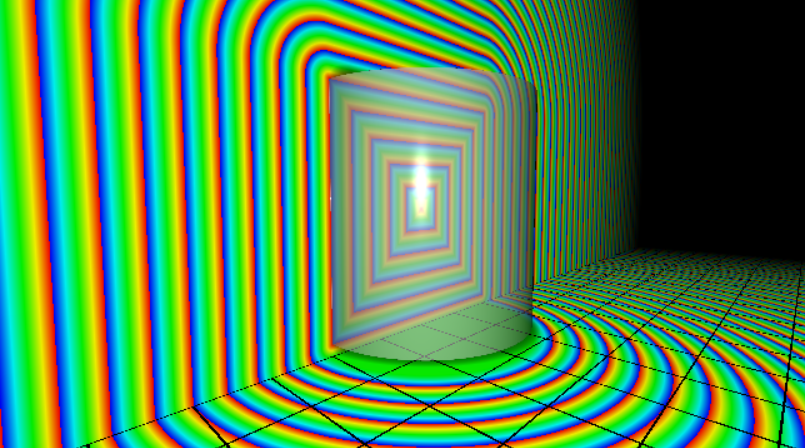
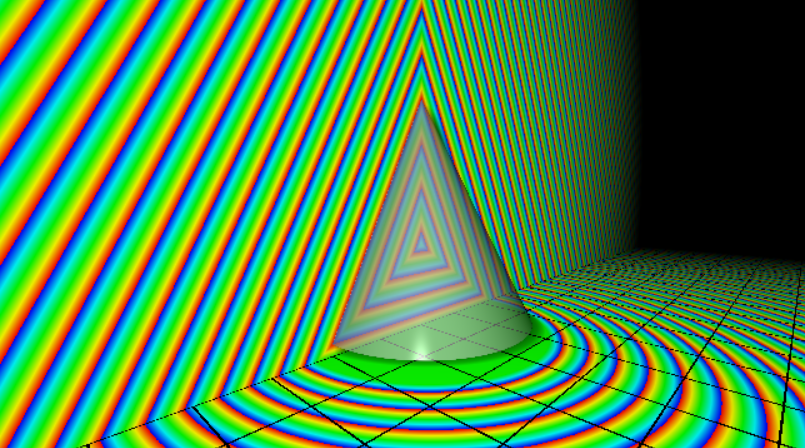
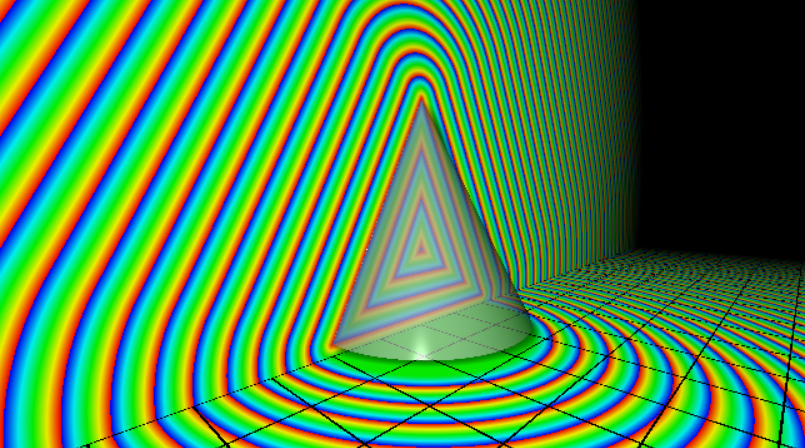
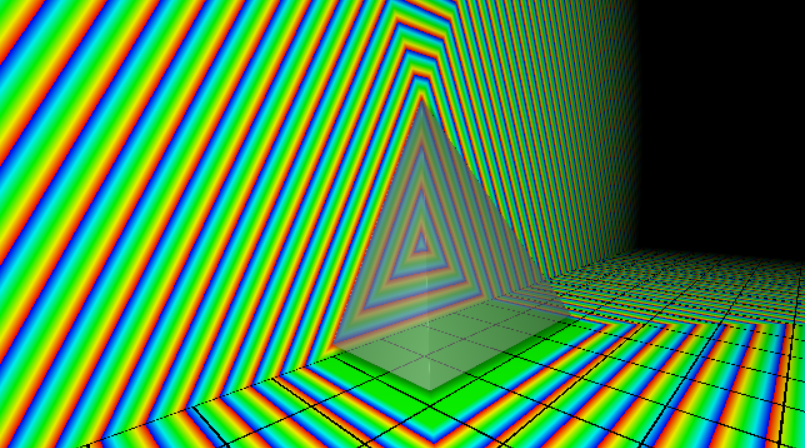
This is the visual representation of the field with isolines in the XY and XZ planes. Isolines represent regions of space where the value of the function is the same.
Sphere SDF (exact)
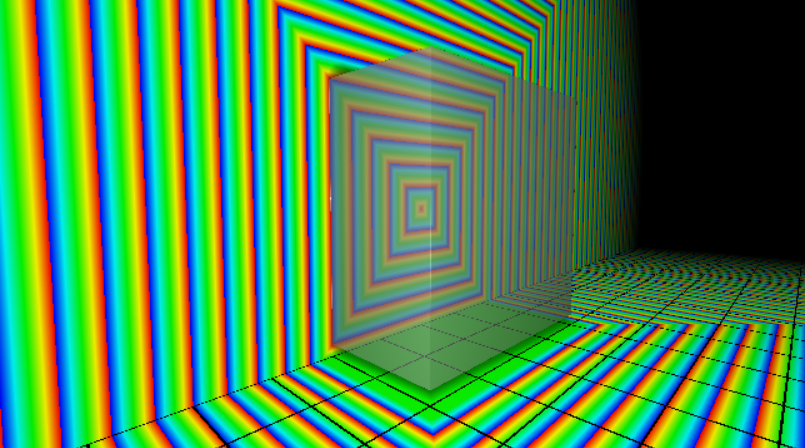
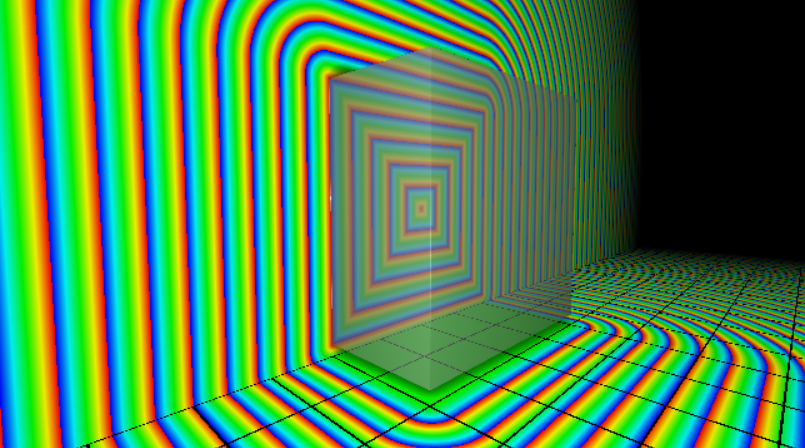
Cube
The following function is a simplification that provides the exact boundary. However, the distance values on the outside are approximations, as we can see in the sharp edges of the iso-lines. Depending on the application, these sharp edges of the isolines can be useful.
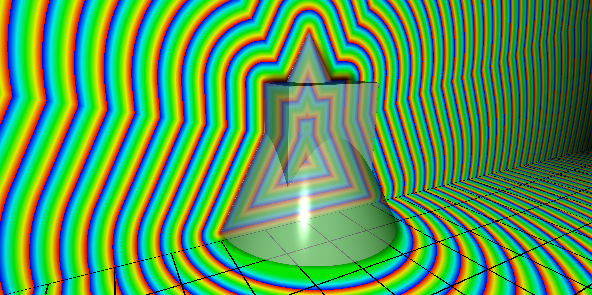
SDF can be combined and transformed in many ways. For instance, we can do Constructive Solid Geometry defining the following operations:
Union
float Union (float a, float b)
{
  return Mathf.Max(a, b);
}
Union operation between cone and cube
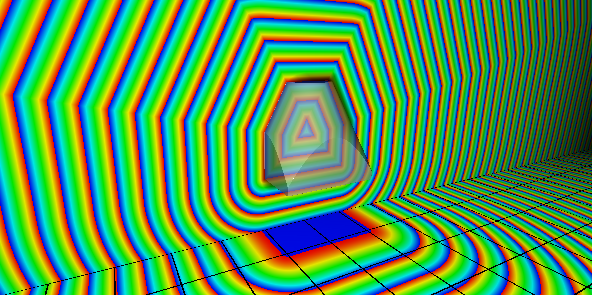
Intersection
float Intersection (float a, float b)
{
  return Mathf.Min(a, b);
}
Intersection operation between cone and cube
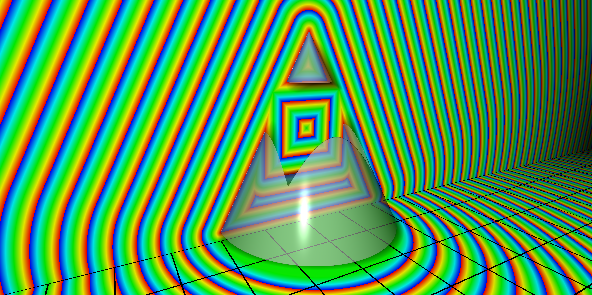
Difference
float Difference (float a, float b)
{
  return Mathf.Min(-a, b);
}
Difference operation between cone and cube
More Information
Find more interesting SDF definitions and transformations at the website of Inigo Quilez.
Visualizations have been made with a modified version of the SDF Inspector, powered by ShaderToy.
We use cookies to ensure that we give you the best experience on our website. If you continue to use this site we will assume that you are happy with it.